

Breakfast, parking, minibar. Every charge on the right stay.
Every extra lands on the right stay and on the invoice: in the services catalogue you set up extras once, with price, tax rate, pricing type and maximum quantity. Guests book them in the Booking Engine, and front desk adds them when booking, at check-in or later during the stay. STRYK assigns minibar consumption to the stay and shows it among the open charges before departure.
One catalogue for everything
The same service in rate plans, Booking Engine, bookings and check-in.
Four pricing types
Per booking, per night, per person or per person per night.
Impact before saving
When you add an extra later, STRYK shows how the booking changes.
Minibar into stock
Mapped consumption goes into accounting as a stock issue.
Set up once, the same service everywhere.
Each service has a name, category, price, tax rate, pricing type, maximum quantity and, if you like, an image for guests. You decide whether it is sold as an extra, can be included in a rate plan, or both, such as breakfast in a "Room with breakfast" rate. STRYK translates names and descriptions into your active guest languages.
- Sell as an extra or include in a rate
- Tax rate per service
- Image and description for guests
- Mandatory final cleaning per category
Guests book the extra where they make their decision.
Active extras appear in the Booking Engine booking flow, when creating a new booking and as a separate step at check-in. STRYK works out the amount from the number of guests, nights and pricing type. For direct bookings, STRYK checks maximum quantity and price once more before confirming.
- Extras in the website booking flow
- Extras when booking and at check-in
- Amount from guests, nights and pricing type
- Inactive services can no longer be chosen
Late checkout on day two, and the booking still adds up.
On the stay, you add an extra with a service date and check its impact first: the change and the booking afterwards. Price and tax come from the catalogue, and a correction needs a reason. If an invoice has already been issued, STRYK leaves it as it is and puts new extras onto a separate supplementary draft.
- Service date from a given day to departure
- Check the impact before saving
- Corrections with a reason
- Supplement without touching the original invoice
Checking the minibar is a job with its own list.
Housekeeping has a "Check minibar" status with its own checklist: check stock, note consumption, refill. Minibar items have a category, unit, price and default quantity; STRYK assigns recorded consumption to the stay with unit price and total and shows it among the open charges at checkout. In accounting, STRYK posts mapped consumption as a stock issue.
- Check minibar status with checklist
- Items with unit, price and default quantity
- Consumption as an open charge on the stay
- Stock issue in accounting inventory
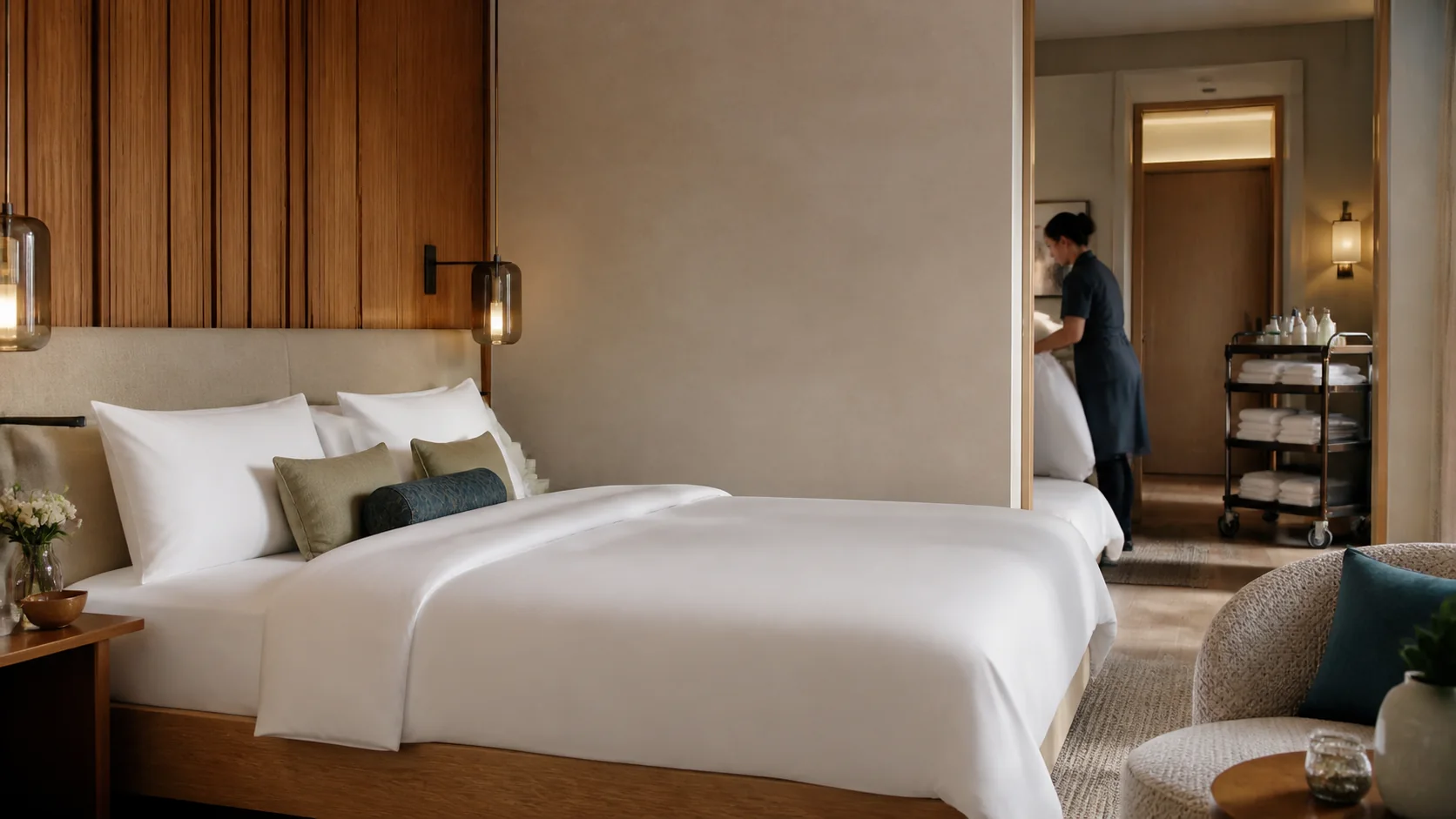
Everything your hotel sells beyond the room.
In STRYK, the restaurant, meeting rooms and spa work with the same stay as the front desk. What the guest books or orders there appears on their invoice at departure.
Table plan
The table plan shows the rooms and tables of your restaurant with reservations and free seats for the evening.
Restaurant orders
The service team takes orders at the table and books them to the invoice or to the guest’s room.
Meetings and banquets
The room, schedule and catering of an event sit in one process, from the offer to the settlement.
Spa
You book treatments and spa appointments for hotel guests and external guests and charge them to the room.
Who works with it.
Front desk
Sells breakfast and parking at check-in and adds late checkout during the stay.
Housekeeping
Checks and refills the minibar from a fixed list.
Accounts
Finds every service with its tax rate on the invoice or supplement, and consumption in stock.
Part of your complete system.
One service that stays the same from catalogue to invoice. That is why we built one services catalogue for the whole property.
Common questions: Minibar & extras
What does STRYK connect across minibar and extras?
The property centrally maintains services with name, price and sales logic. Minibar consumption stays on the stay; public or check-in extras are stored as specific booking items.
Which data does a minibar item have?
Name, category, unit, price, default quantity, order and active state form the item catalogue. The team works with a clear assortment instead of freely typed labels.
How can minibar items be grouped?
Drinks, alcohol, snacks and other create an understandable order. Custom names and sorting adapt the assortment to the property’s actual standard.
Which units does minibar support?
Bottle, can, piece, pack or portion make quantity and price clear. A quantity of two therefore means the same thing to housekeeping and front desk.
What is default quantity used for?
It describes the desired standard stock per room. The property defines the target stock that the team restores during minibar checks.
Can items be deactivated temporarily?
Yes. An inactive item remains in the maintained catalogue but is unavailable for new consumption records. This prevents discontinued products from being used further.
Show more questions
How is minibar consumption recorded?
Consumption is assigned to a real booking, one of its rooms, an active item and a positive quantity. A note and recording person complete the process.
Does STRYK check that booking and room belong together?
Yes. The room must actually belong to the booking in the same property. Consumption cannot accidentally be posted to another room or property.
Which price is stored with consumption?
STRYK takes the current item price as unit price and calculates quantity times price. Name, unit price and total remain traceable on the consumption record.
Is there a consumption history per stay?
Yes. Recorded items are shown by time with item, quantity, price, recording person, billing state and note on the booking.
Does minibar consumption automatically become an invoice item?
Yes. Chargeable consumption is posted automatically to the stay as an open item when it is recorded. At check-out, STRYK carries it onto the invoice together with the other open items.
What is a sellable extra?
An additional service such as breakfast, late check-out, parking or a pet package is maintained as its own offer with name, description, price, quantity logic, image and active state.
Which pricing models are available for extras?
STRYK can price per booking, night, guest or guest and night. The choice determines how quantity, stay length and guest count affect the total.
Can the property set a maximum quantity?
Yes. A maximum quantity can limit parking spaces, pet packages or breakfast options. STRYK revalidates the selected quantity before storing it on the stay.
Can extras be described in multiple languages?
Yes. Name and description are maintained for the property’s public languages so guests genuinely understand the offer before selecting it.
Can extras have an image?
Yes. A dedicated service image makes breakfast, parking or an add-on package clearer in Booking Engine. The image is maintained centrally on the product.
Which extras does a guest see in Booking Engine?
Only active, explicitly approved products included in the published snapshot appear on the booking page. New or unfinished extras remain hidden from guests.
How is the extra price checked in direct booking?
STRYK rechecks the product, approval, quantity, currency and pricing model immediately before booking. Only the currently valid price is charged.
Do selected extras remain on the booking?
Yes. Product, name, pricing model, quantity, unit price, total and currency are stored as a booking item and included in the price breakdown.
Can front desk add extras at check-in?
Yes. Front desk selects active products directly during check-in. Only the valid services actually selected increase the booking value.
Who may manage minibar and extras?
Housekeeping write permission allows operational consumption recording. Item catalogues, upsells and settings require broader management permission.
What happens when details do not match?
STRYK flags the wrong room, an inactive item, an invalid quantity or an extra that is not approved. The charge is added only when booking, product, quantity and price match.
What happens when details do not match?
STRYK flags the wrong room, an inactive item, an invalid quantity or an extra that is not approved. The charge is added only when booking, product, quantity and price match.
Set up your breakfast as a service.
Try STRYK for 14 days with your extras, or we will show you the services catalogue and adding charges in a demo.
