

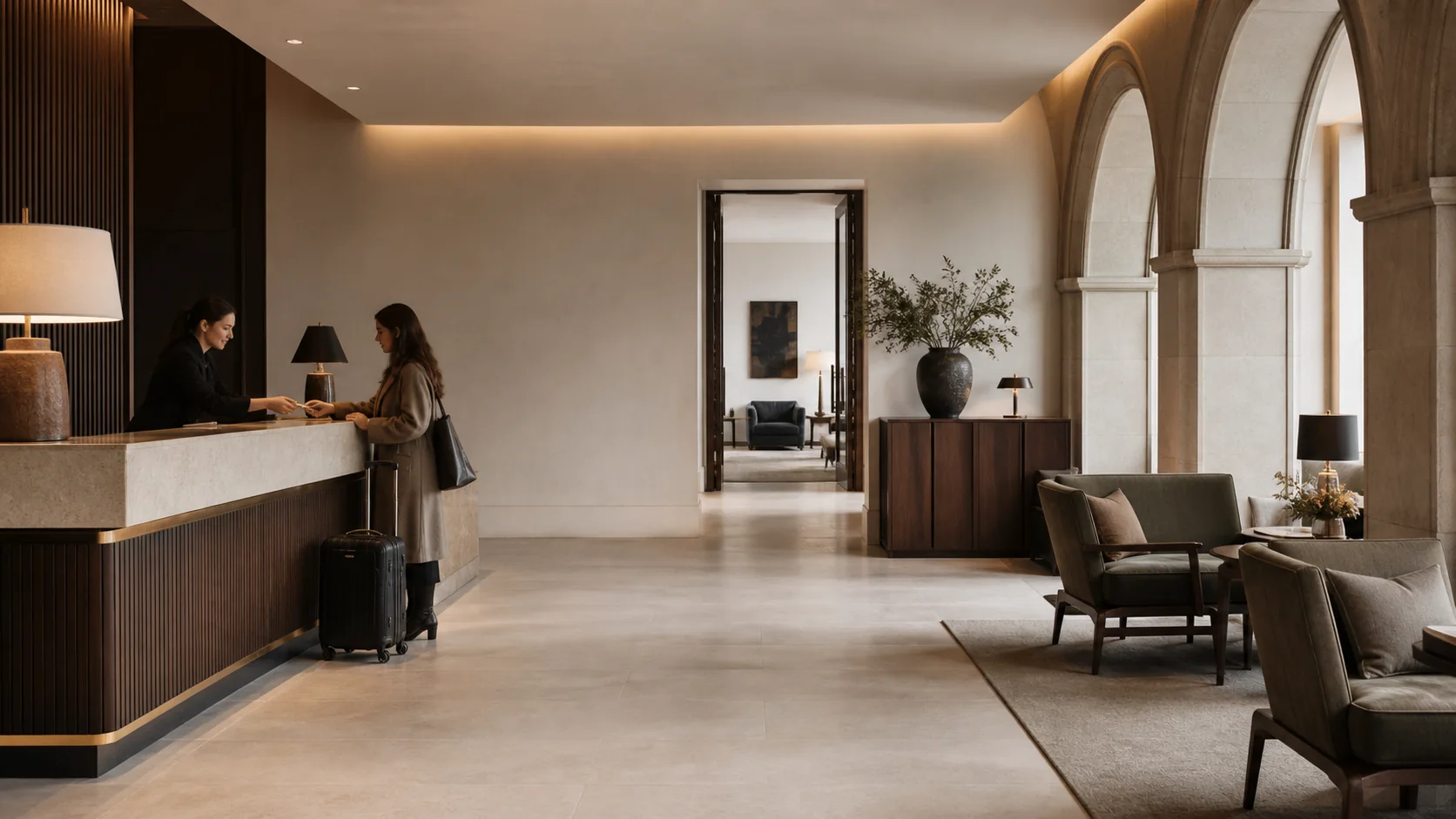
Three guests at the desk, the phone ringing. You stay calm.
At reception, the moment decides everything: is the room ready, are the registration details complete, is there a balance left? We show the front office shift all of it on the booking, from check-in with ID checks to card payment at the terminal. What the early shift agreed, the late shift reads in the handover.
Live room status
Ready rooms appear the moment housekeeping reports them.
Check-out that explains
Open balance or missing details? STRYK tells you before the guest leaves.
Handover, not sticky notes
The shift handover records open tasks linked to the shift.
Keeps going offline
STRYK Desktop works offline with an encrypted working copy.
6.45 am: you know which arrival needs attention today.
The Today view shows arrivals, departures, open room work and notes; in the calendar you move bookings by drag and drop and extend a stay by dragging. A room move from a set date asks for the reason and whether the guest gets an email. Slips at check-in or check-out can be undone, and the history stays intact.
- Room assignment before guests arrive
- Walk-ins straight from the calendar
- Global search by name, booking or company
- Change history for every booking
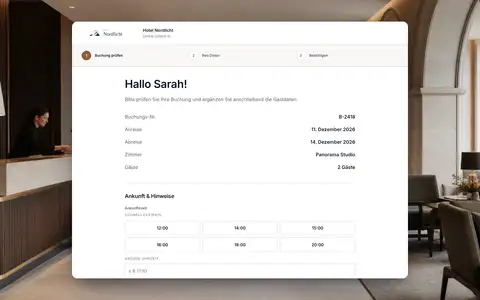
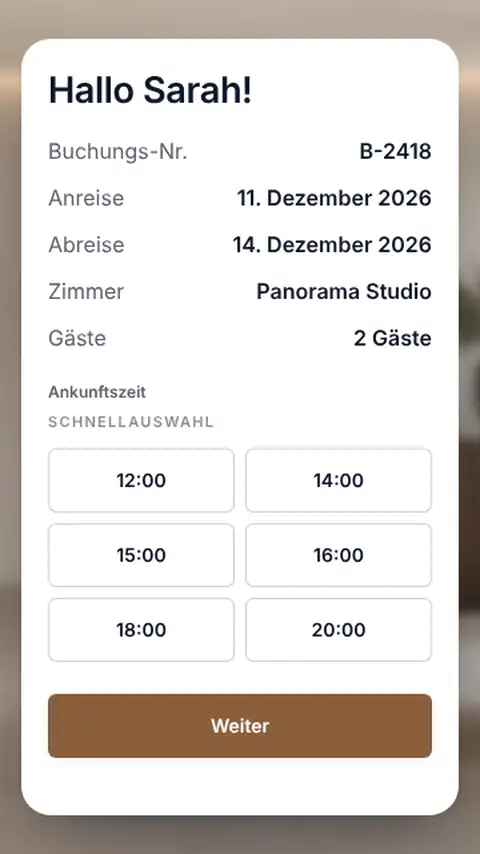
The guest signs once. And not at the desk.
Guests who used online check-in arrive with registration details, signature and a quality-checked ID image. For everyone else you capture the details at check-in, read the machine-readable zone of the ID and decide whether an email goes out. Late arrivals check in at the kiosk, even when nobody is left at reception.
- Registration fields active or mandatory per country
- Travel document only for the main guest who must register
- Guest registration in the same flow, depending on the country
- Kiosk for self check-in
The invoice is right before the suitcase is at the door.
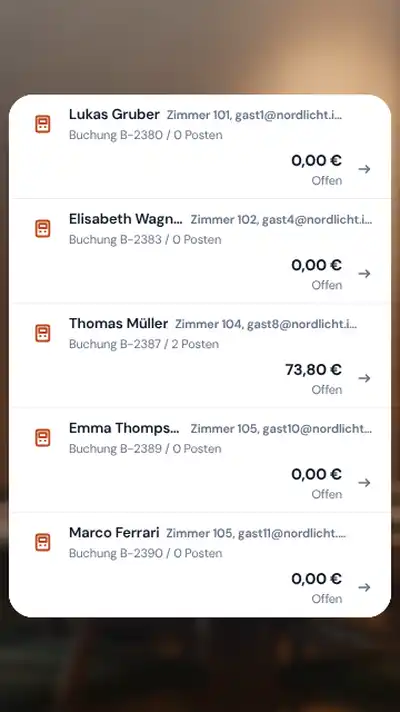
Nights, extras, minibar and restaurant items from the connected till are already on the stay. At check-out you issue the invoice straight away, choose “Invoice later” or hand over to a billing plan, and STRYK explains every obstacle, such as an open balance. In Austria, Germany and the Netherlands you take card payments directly at the terminal, part amounts included.
- Payment link for open amounts
- “Refund to card” at the terminal
- Cash register & fiscalisation for AT and DE
- Company invoice to the stored address

What the early shift promises, the late shift delivers.
The shift handover in STRYK Team lists open tasks, notes on the shift and additions that nobody can change afterwards. The late shift takes it over with one click and clears questions in team chat with a link to the booking. And if the internet drops in the evening, you carry on in STRYK Desktop with the offline working copy: create a walk-in, check in, move rooms.
- Handover linked to the shift, with takeover
- Internal links turn into STRYK cards in chat
- Offline: booking, check-in, check-out and invoice draft
- Sync with a review list once you’re back online

The small tasks of the shift are in STRYK too.
A wake-up call at six, a forgotten charger, the last free parking space: we built the tasks that come up at a front desk in between onto the same booking as check-in and check-out.
Night audit
The night shift changes the hotel date. STRYK charges the room rates and processes no-shows automatically.
Own cash shift
You open your shift, take payments and close it with a shift report before the next colleague takes over.
Keys from the booking
The room card or mobile key is created at check-in via the connected door lock system.
Wake-up calls
The night shift sees due wake-up calls in the right order.
Lost property and parking
You find lost property on the stay, and you assign free parking spaces directly at the counter.
Upgrade at the counter
You offer only categories that are free for the entire stay.
Day use
You book day guests and hourly rooms like any other arrival.
Waiting list
If a guest calls about a fully booked weekend, you put them on the waiting list.
Pre-authorization
At check-in you reserve an amount on the card, and at check-out you charge the final amount.
One arrival, from inbox to room key.
We show you how reception works when everything hangs on the same booking.
- 01
Request
A question about early check-in lands in STRYK Inbox and is linked to the booking.
- 02
Preparation
You assign room 204, and housekeeping sees it at the top of the plan.
- 03
Room ready
At 1.40 pm the room is cleaned and inspected, and you see it in the calendar.
- 04
Check-in
Details are in from online check-in, you check the ID and hand over the key.
Who works with it.
Early shift
Works through departures and room assignment and leaves a handover.
Late shift
Takes over open items, accepts walk-ins and telephone table reservations for STRYK Table, and checks in late guests.
Front office manager
Assigns roles and permissions and sees in the activity log who changed what.
Brought together at the desk.
With us, front desk, payments, team and desktop app all work from the same booking.
Common questions: STRYK for reception
Can the front desk see whether a room is ready?
Yes. Housekeeping reports room status directly in STRYK: dirty, clean, ready or inspected. The front desk sees the status in the calendar without phoning the floor. In turn, housekeeping sees which rooms you have assigned to arrivals and can get them ready first.
How can our team learn to use STRYK?
Start with a test booking: prepare an arrival, assign a room and open the related invoice. STRYK is available in 18 languages. Use roles and permissions to control access to each area; additional users cost nothing.
What happens if a walk-in and a portal booking come in at the same time?
STRYK’s overbooking protection works on every booking channel. Once a room is given away at the front desk, it can immediately no longer be booked on the website, and on the portals once synchronisation has succeeded. If a booking for the same room comes in at the same moment, the conflict is detected instead of the room silently being occupied twice.
Can the restaurant and bar post directly to the room?
Yes, through the POS interface. Your restaurant, bar or spa till posts items directly to the room, and STRYK detects items sent twice. At check-out all services are on the room bill. Your restaurant or bar till remains your till. For payments at the front desk, Austria and Germany have the ‘Cash register & fiscalisation’ add-on.
Can the front desk still change an issued invoice?
No, and that is intentional. Issued invoices have gap-free numbering and cannot be changed. Corrections go through a credit note and a new invoice. That way every change remains traceable, for your accountant too. Until the invoice is issued, you can add or correct items on the stay at any time.
What does STRYK cost for a hotel with 40 rooms?
There is no setup fee. Online check-in and kiosk are separate modules included in the core price.
Run a full arrival day with your team.
Try STRYK for 14 days, or we will show you in a demo how check-in, room status and handover fit together.
